
ImgConvert99 Chrome Extension
Convert & compress PNG, JPG and WEBP images offline — right from your browser toolbar. No uploads, no tracking, no waiting.
✓ 100% Free✓ No sign-up✓ Works offline✓ No tracking
Convert & compress PNG, JPG and WEBP images offline — right from your browser toolbar. No uploads, no tracking, no waiting.
The same ImgConvert99 quality you love on the web — now running entirely inside your browser.
Switch between PNG, JPG and WEBP instantly — fix compatibility issues or prep images for the web in seconds.
Shrink large files with adjustable quality controls. See exact before/after sizes for every image.
Drop in multiple images at once. Convert or compress the whole batch in one click — bundled into a single ZIP.
Right-click any image on a webpage and convert it instantly — no need to download it first.
Nothing ever leaves your device. EXIF and location metadata are automatically stripped from every image.
No ads, no clutter. Dark mode that matches your system theme. Won't slow down your browser.
Three steps and you're converting images offline.
Hit the install button — it takes you to the official Chrome Web Store listing.
Click "Add extension" in the popup. It installs in seconds, no restart needed.
Click the ImgConvert99 icon in your toolbar, or right-click any image on the web.
Screenshots from the actual extension.
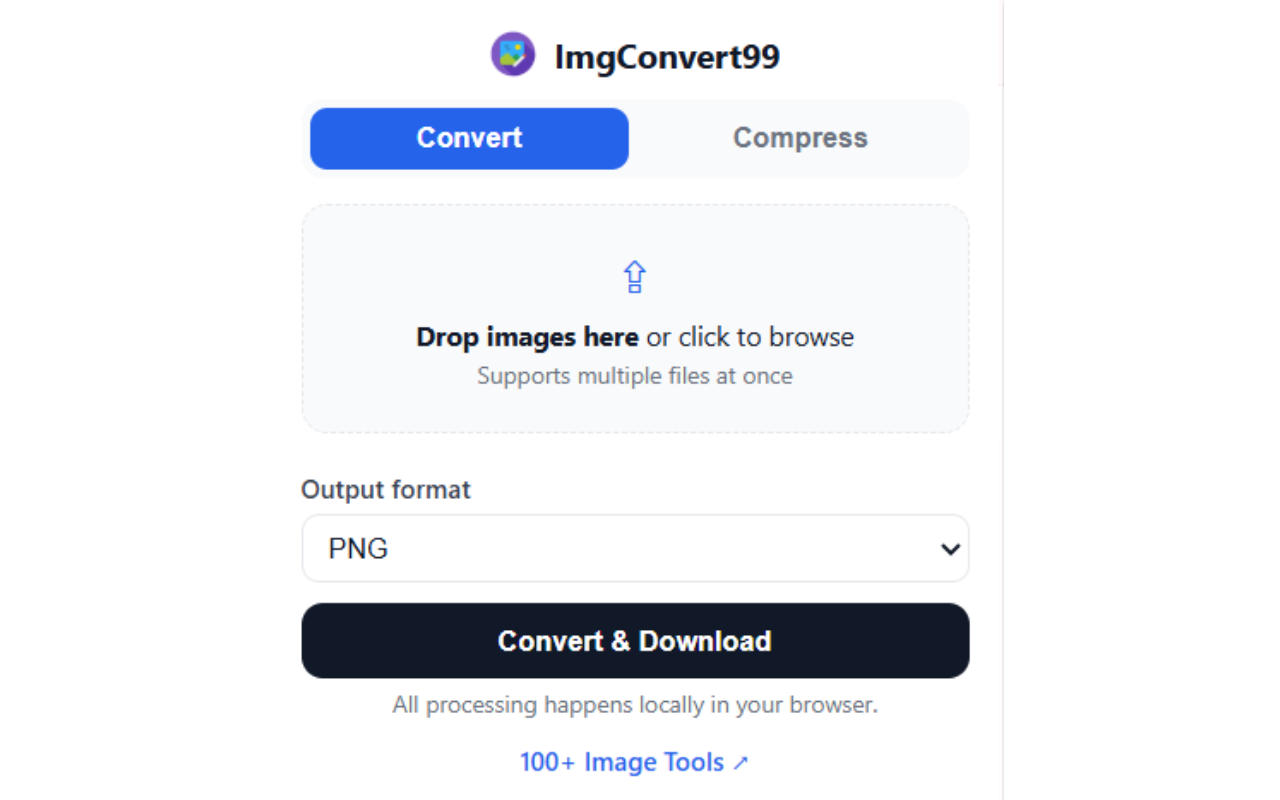
Convert tab — drop images in, pick PNG / JPG / WEBP
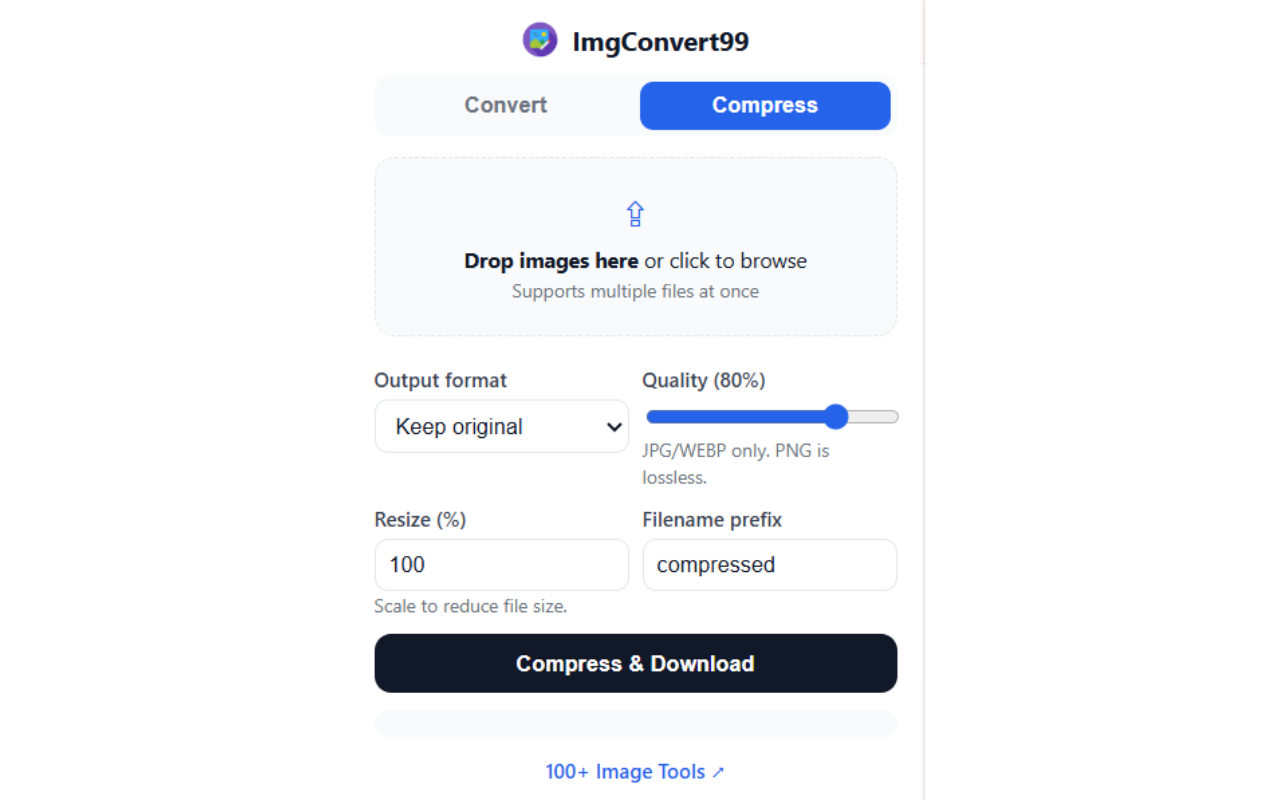
Compress tab — quality slider, resize & batch download
Everything people usually ask before installing.
Yes — completely free, with no sign-up and no usage limits.
Yes. After installation, every conversion and compression happens locally inside your browser. No internet needed.
The extension handles PNG, JPG and WEBP. Need HEIC, AVIF, TIFF or PDF tools? You'll find 99+ of them at imgconvert99.com.
Never. Files are processed entirely on your device, and EXIF/location metadata is stripped automatically.
Right-click any image on a webpage → "Convert image with ImgConvert99" → pick a format. The converted file downloads instantly.
Join everyone who's ditched slow upload-based converters. Free forever.
Add to Chrome — It's Free